


maximum artwork width; the roll is nominally 600 mm wide
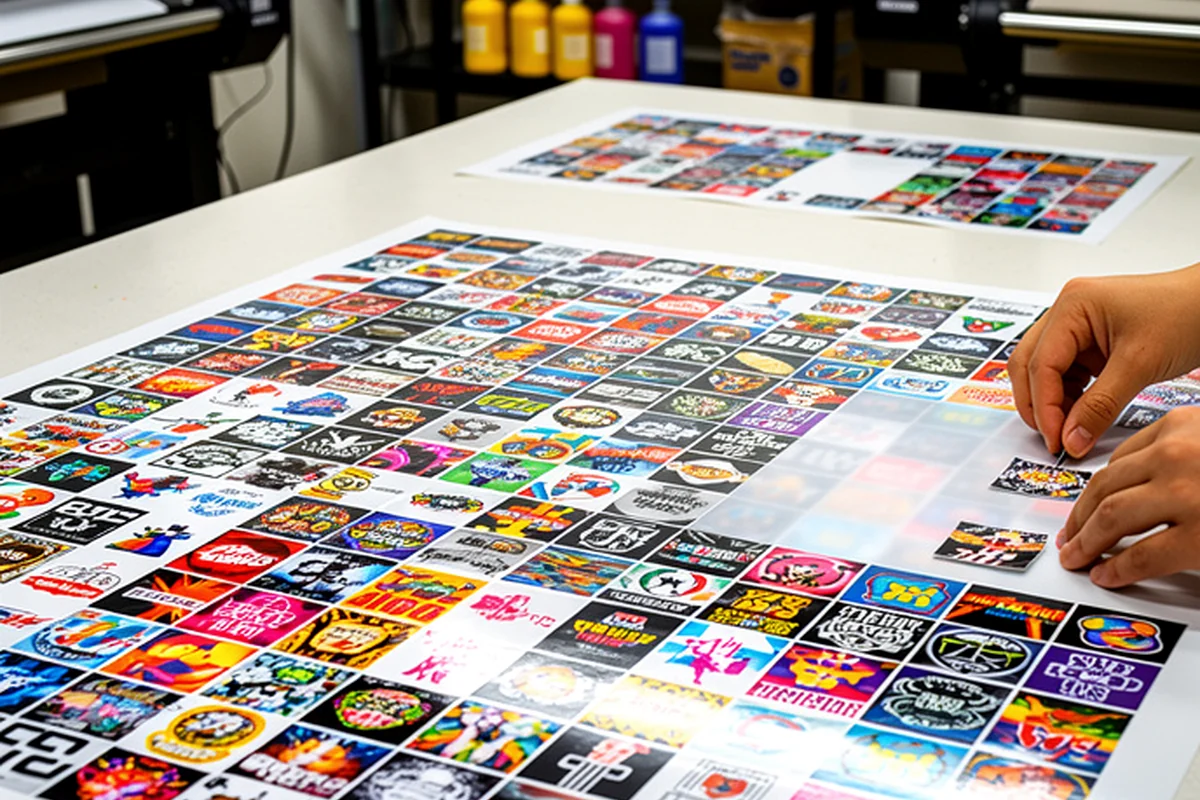
How to prepare artwork for DTF printing
Correctly prepared artwork speeds up production and gives you the best chance of a clean, predictable result. Below are the key specifications and a practical pre-flight checklist.
Key DTF artwork specifications
artwork supplied at its final production size
recommended resolution at final size
where the garment should remain visible after application
send TIF/TIFF via WeTransfer, Google Drive or Dropbox
send a working download link
Resolution — 300 DPI at 1:1 scale
Raster artwork should be around 300 DPI at the actual size at which it will be printed. Simply changing the DPI value in a small, low-quality image does not create extra detail.
Avoid small images downloaded from the web, screenshots and heavily compressed graphics if you expect a sharp large-format print.
Transparent background
Any area where the garment should remain visible after application must be transparent. A white background in the file will be treated as part of the artwork and printed.
If white is intentionally part of the design, keep it as a white design element rather than removing it with the background.
Maximum artwork width — 580 mm
The roll is nominally 600 mm wide, but the maximum actual printable width is 580 mm. Your artwork or finished gang layout must stay within that width.
File formats and export
For direct upload, use PNG, PDF or ZIP. We can also accept TIF/TIFF for production, but please send those files using WeTransfer, Google Drive, Dropbox or another working download link.
- Export Adobe Illustrator artwork to PDF or send it using an agreed file-sharing method; AI is not a direct-upload format.
- Do not mirror the artwork yourself; final print preparation is handled in RIP.
- For files above roughly 64 MB, send a WeTransfer, Google Drive, Dropbox or other working download link.
RGB or CMYK?
We accept correctly prepared RGB and CMYK files. Final production setup is carried out in RIP. If a specific brand colour is critical, flag it in your enquiry or contact us before production.
Edges, transparency and fine detail
Check the artwork on both light and dark backgrounds. Remove stray pixels, white halos and leftover background areas. Very fine lines, tiny text and heavy semi-transparency may require adjustment before printing.
A technical artwork check is not a design correction service
Every file receives a technical pre-production check before RIP. We can carry out safe production-related adjustments where they do not change the appearance or intent of the artwork. If a problem requires a visual change, we contact you before production.
The customer remains responsible for wording, spelling, layout, dimensions, the final design and the rights to supplied material. RolaDruku remains responsible for its own production errors and for producing from correctly supplied artwork.
Pre-flight checklist
- maximum artwork width is 580 mm,
- raster artwork is around 300 DPI at final size,
- the artwork is supplied at 1:1 scale,
- the background is transparent where required,
- vector fonts have been converted to outlines,
- the file is in an accepted format; TIF/TIFF is sent via a working link,
- there are no stray pixels or unwanted white edges,
- the artwork has not been mirrored,
- wording, spelling, layout, dimensions and usage rights have been checked,
- the final file has been reviewed before sending.